You don’t always need to download complicated editing apps or pay for subscriptions to make your photos look incredible. The truth is, the photo editing app that already comes with your phone—whether it’s Apple Photos or Google Photos—is far more powerful than most people realize.
For everyday users, content creators, and even casual photographers, these built-in tools can deliver professional-looking results in seconds—without the learning curve.
Why Your Built-In Photo Editor Is So Good
Most people overlook their default editor because it feels “basic.” But over the years, companies like Apple Inc. and Google have invested heavily in making these tools smarter, faster, and more intuitive.
What makes them powerful:
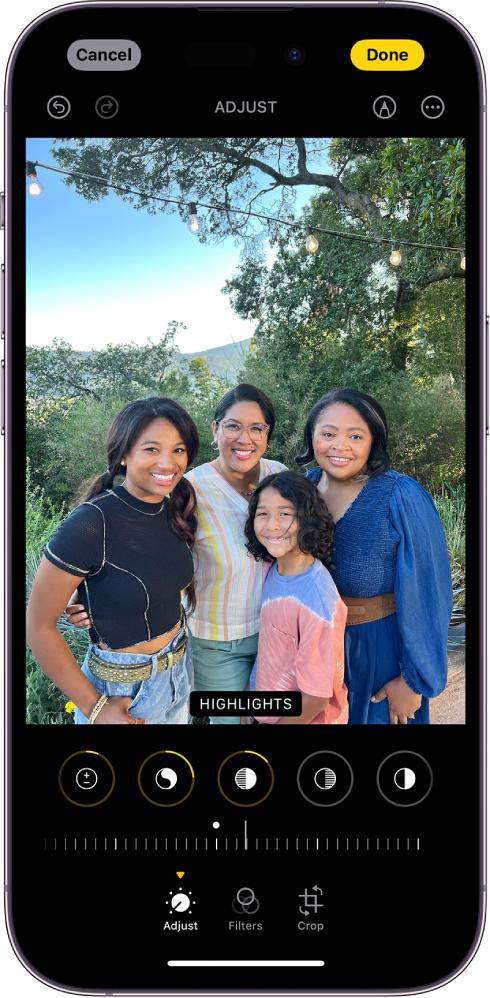
- Real-time editing with instant previews
- AI-assisted adjustments
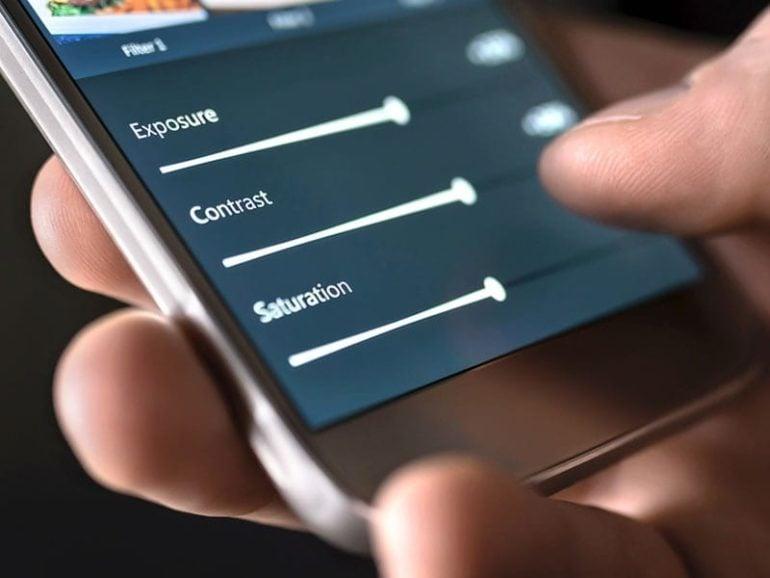
- Simple sliders instead of complex tools
- Non-destructive editing (you can undo anytime)
In many cases, they handle 80–90% of what most people actually need.
The One-Tap Magic You’re Probably Ignoring
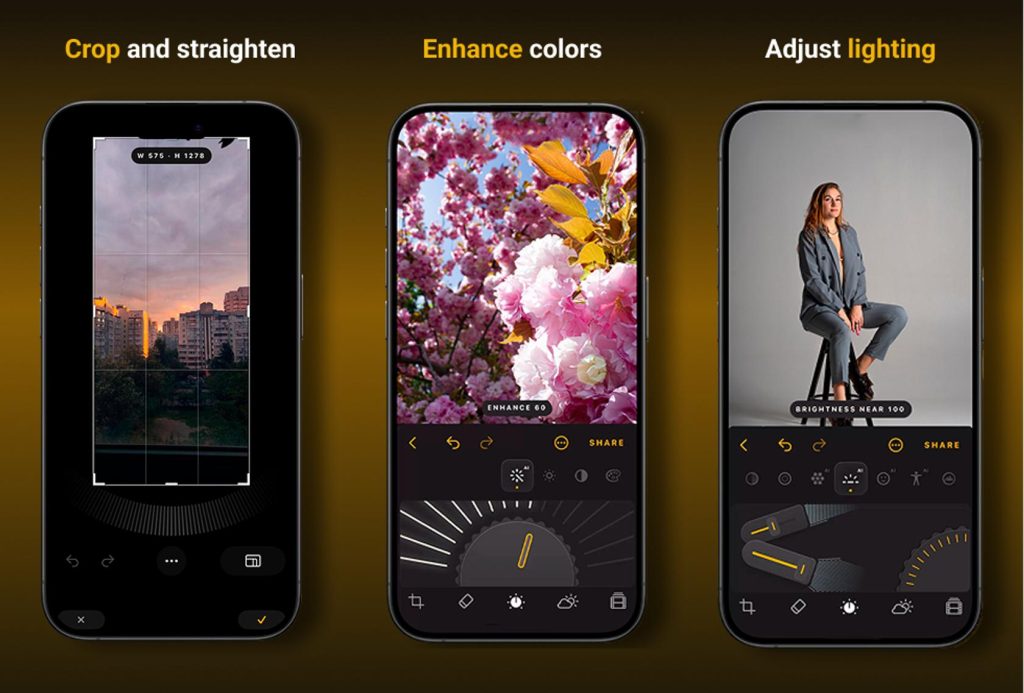
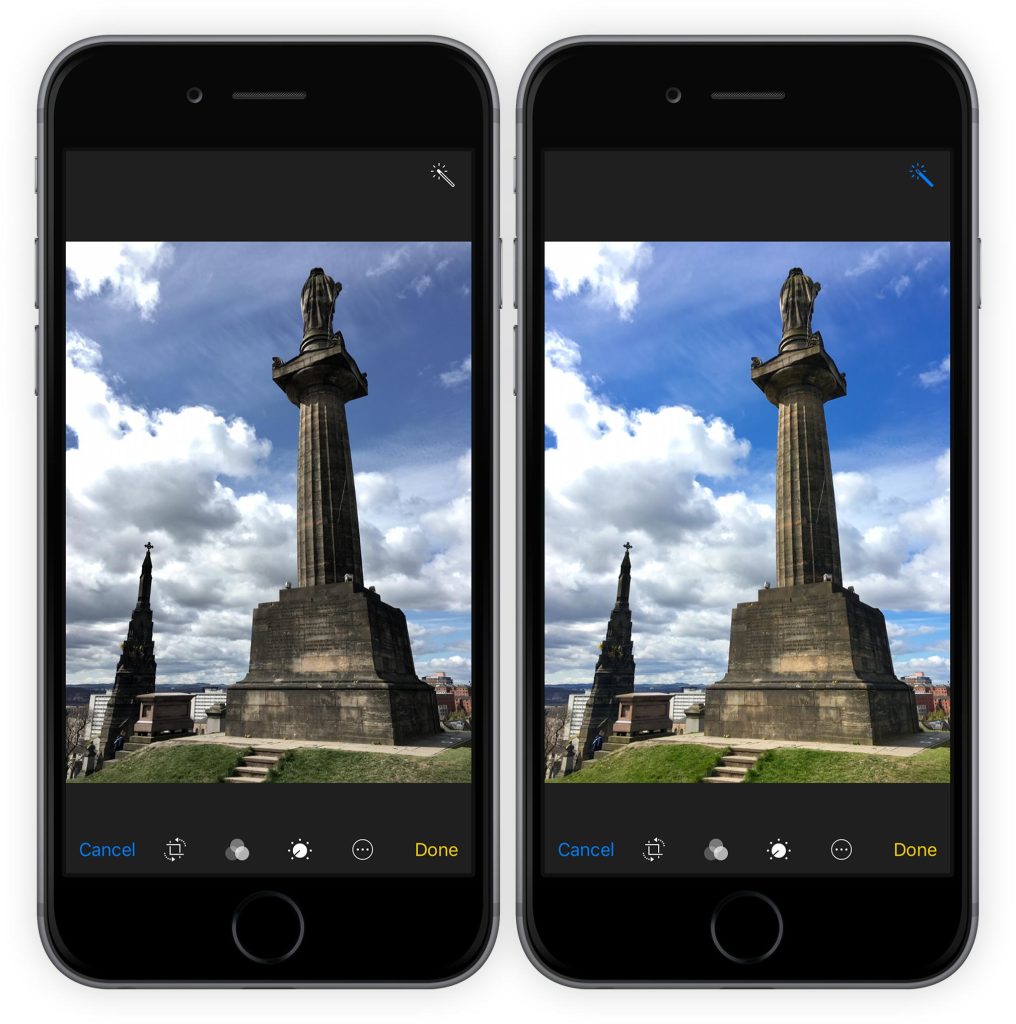
Both Apple Photos and Google Photos include an “Auto” or “Enhance” button.
This feature:
- Fixes brightness and exposure
- Adjusts contrast automatically
- Improves color balance
- Sharpens details
For most photos, this single tap can instantly make images look cleaner and more vibrant.
Hidden Tools That Make a Huge Difference
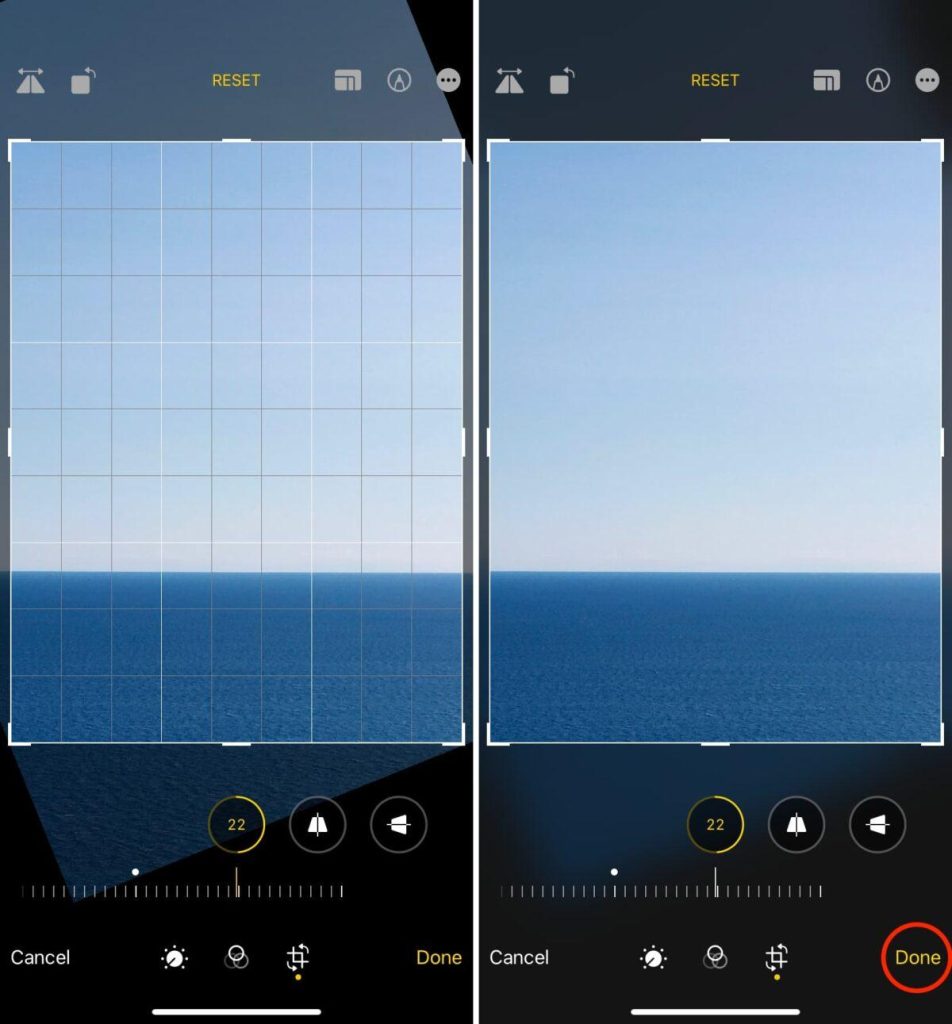
1. Straighten and Crop
A slightly crooked photo can ruin an otherwise great shot. The built-in straighten tool fixes this in seconds.
2. Exposure and Highlights
Instead of using filters, adjusting exposure and highlights gives you more natural results.
3. Shadows and Contrast
Lifting shadows can reveal hidden details, while contrast adds depth.
4. Warmth and Tint
These subtle controls can completely change the mood of a photo without making it look over-edited.
Filters Are Better Than You Think
Built-in filters have improved a lot. Instead of heavy, unrealistic effects, they now offer clean, subtle looks.
Use filters to:
- Create consistency across photos
- Quickly enhance social media images
- Match a specific aesthetic
The key is to lower the intensity—most apps let you adjust strength for a more natural finish.
Why Most People Don’t Need Third-Party Apps
Many users download apps like Adobe Lightroom Mobile or Snapseed, thinking they’re necessary.
But for everyday use:
- Built-in apps are faster
- No extra storage needed
- No subscriptions
- Easier to learn
Third-party apps are great for advanced edits—but they’re often overkill for daily photos.
Real-World Use Cases
Social Media
Quick edits before posting—brightness, crop, and color adjustments are usually enough.
Travel Photos
Enhance skies, fix exposure, and sharpen details instantly.
Portraits
Adjust warmth and shadows for a more flattering look without over-editing.
Pro Tips To Get Better Results
- Start with the Auto tool, then fine-tune
- Avoid over-editing—less is more
- Focus on lighting first, then color
- Use cropping to improve composition
- Compare before and after versions
These small tweaks can make a big difference.
The Biggest Advantage: Speed
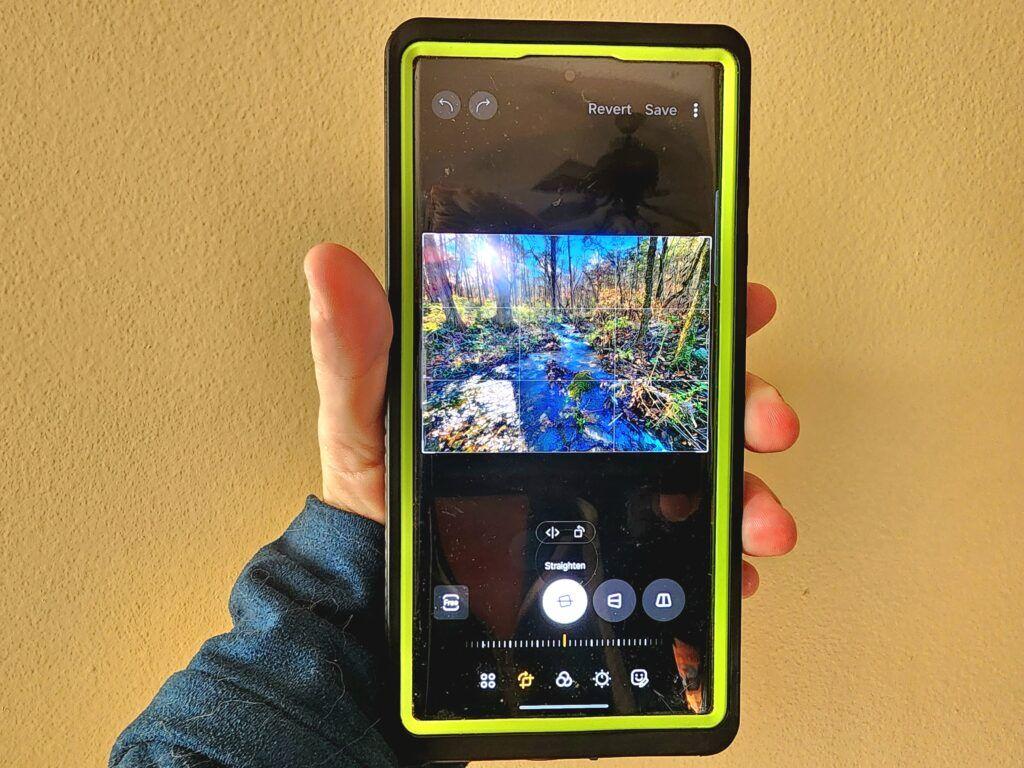
The biggest benefit of using your phone’s built-in editor is speed.
You can:
- Edit in seconds
- Share instantly
- Make adjustments anywhere
That convenience is something even the most advanced apps can’t always match.
Final Thoughts
The photo editing app that came with your phone is one of the most underrated tools you already own. With powerful features, simple controls, and fast performance, it can handle most editing needs without extra apps or costs.
Before downloading another editor, try exploring what you already have—you might be surprised at how far it can take your photos.