
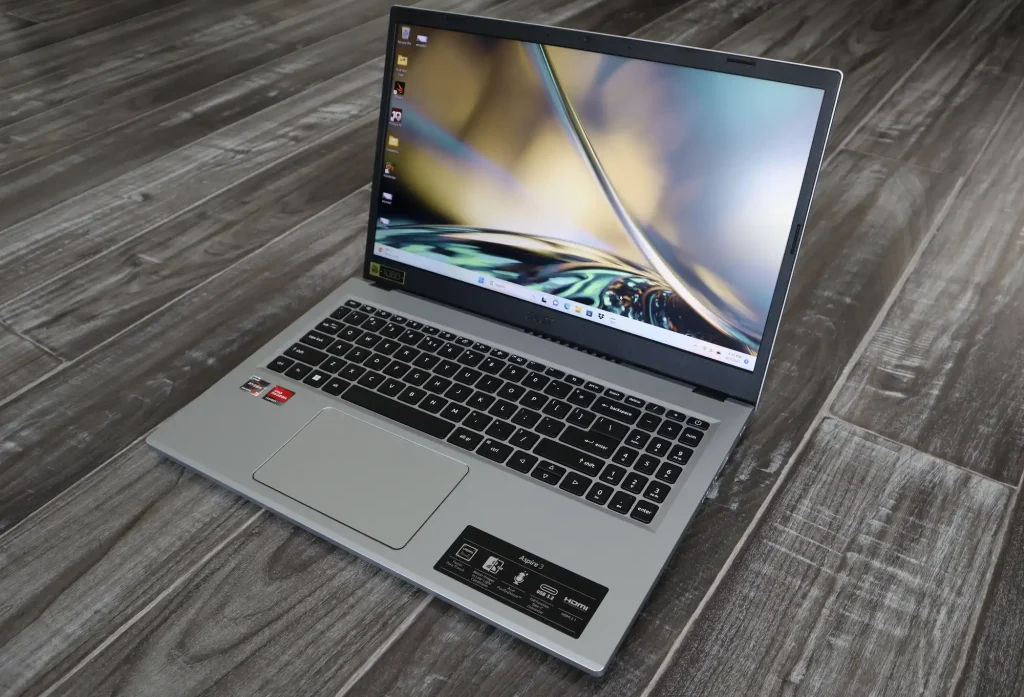
Finding a genuinely good laptop under $500 is mostly about avoiding weak processors and low RAM. The most important things to prioritize are 8GB+ RAM, an SSD, decent battery life, and a modern processor. For most people, Chromebooks now offer the best value under this budget, while Windows laptops are better if you need desktop apps or Microsoft Office flexibility. Experts consistently recommend avoiding ultra-cheap 4GB RAM Windows laptops whenever possible because they age badly.
Best overall
Lenovo IdeaPad 1i 15.6 FHD Laptop Intel
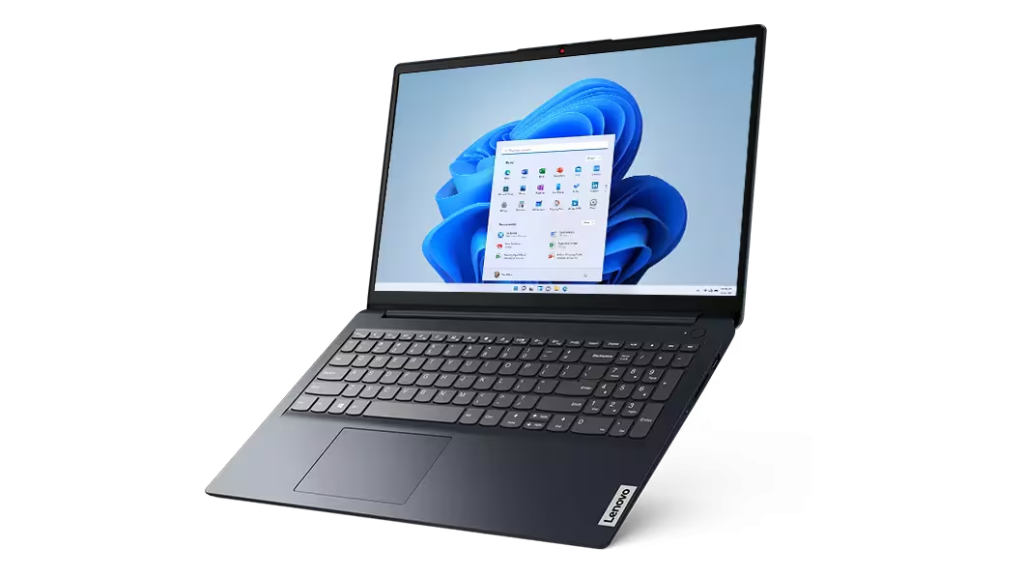
Why this stands out:
- Full HD display
- Good everyday productivity performance
- Better flexibility than most Chromebooks
- Comfortable keyboard and large screen
The Lenovo IdeaPad line is consistently recommended in budget laptop roundups because it balances price, usability, and real-world performance better than many ultra-cheap competitors.
Best Chromebook under $500
Lenovo 15.6 FHD Chromebook IdeaPad 3i Celeron N4500
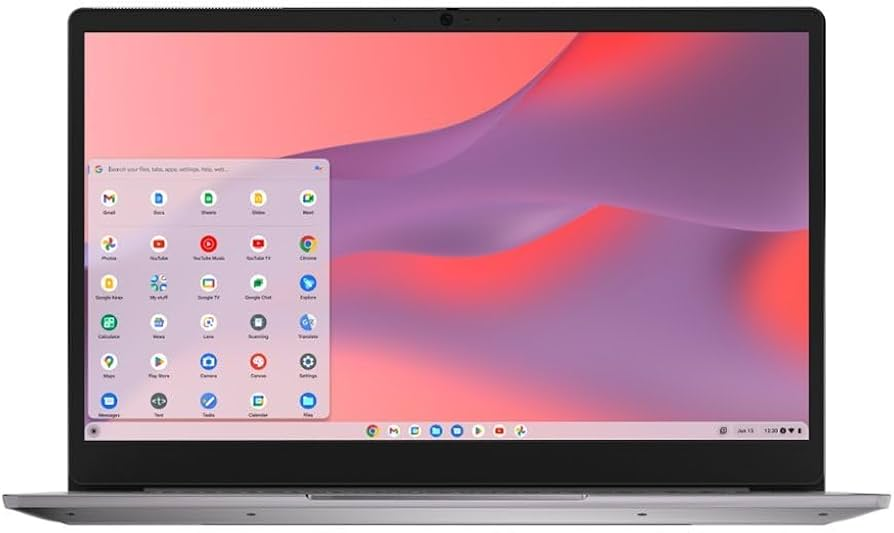
Affordable Chromebook with a large Full HD display, lightweight ChromeOS experience, and excellent battery life for students and casual users.
Why people love Chromebooks:
- Fast startup speeds
- Excellent battery life
- Very low maintenance
- Great for web browsing, school, and streaming
Chromebooks dominate the lower-budget category because ChromeOS runs smoothly even on modest hardware.
Best compact budget laptop
ASUS 14 FHD Chromebook Laptop
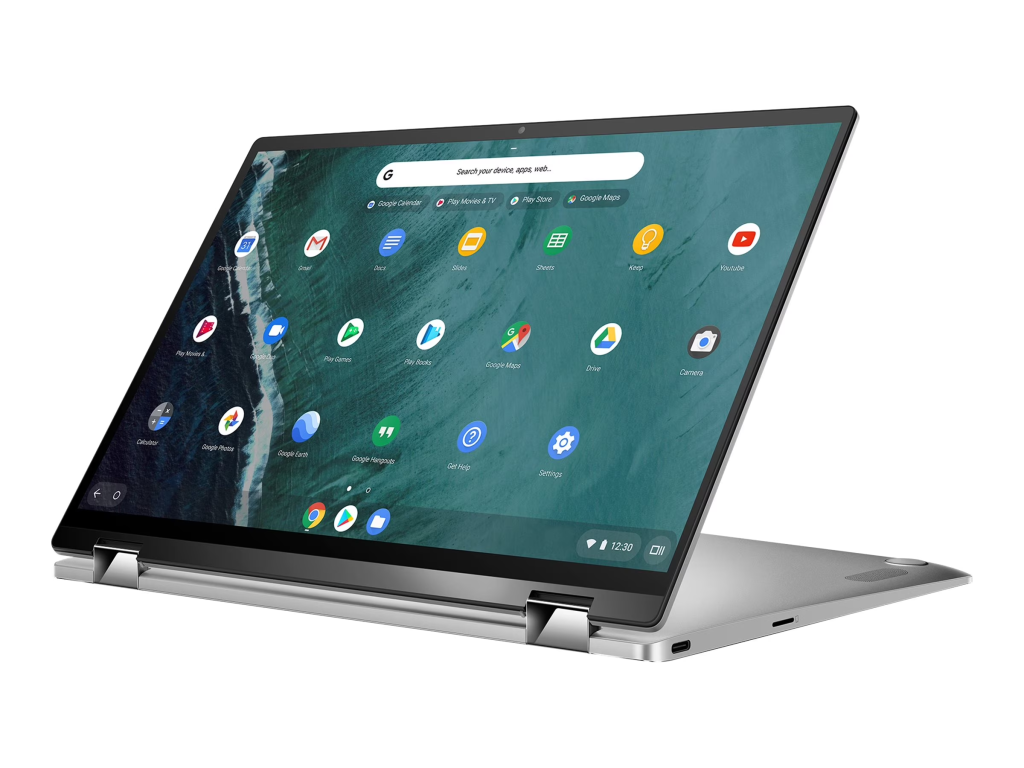
Compact and portable Chromebook with a crisp 14-inch display and dependable everyday performance.
Why it’s great:
- More portable than 15-inch models
- Better for travel and commuting
- Lightweight everyday laptop
- Full HD display improves usability
Smaller 14-inch laptops remain the sweet spot for portability and usability.
Best ultra-budget option
acer Chromebook 311 HD Laptop Intel Celeron N4500
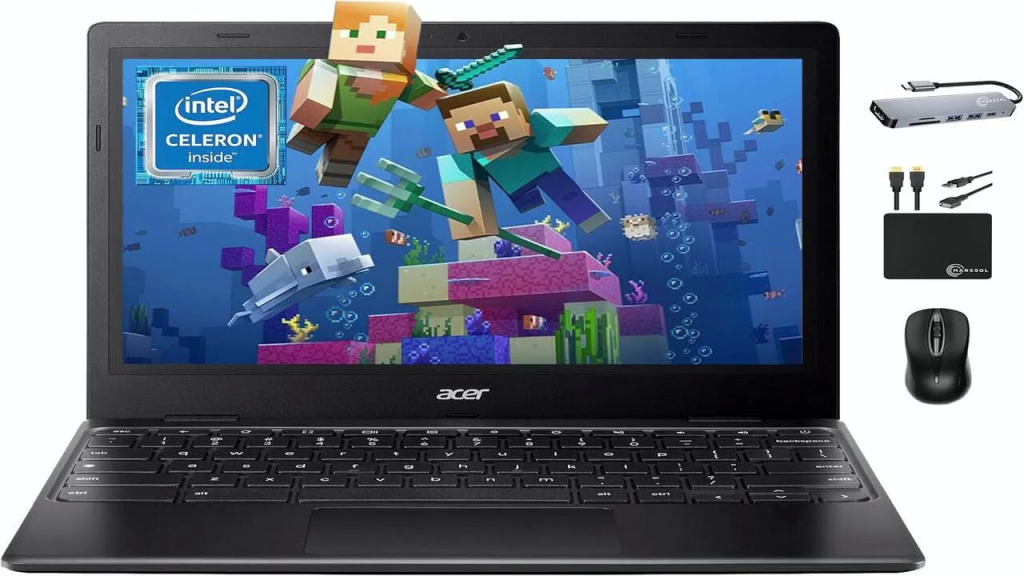
Very affordable Chromebook built for basic browsing, streaming, schoolwork, and lightweight everyday tasks.
Why it works:
- Extremely affordable
- Good battery efficiency
- ChromeOS stays responsive on low-end hardware
- Great backup or student laptop
Perfect for:
- Younger students
- Casual browsing
- Travel backup laptop
Best flexible 2-in-1 Chromebook
HP Chromebook x360 11-inch Laptop with 360-degree Hinge
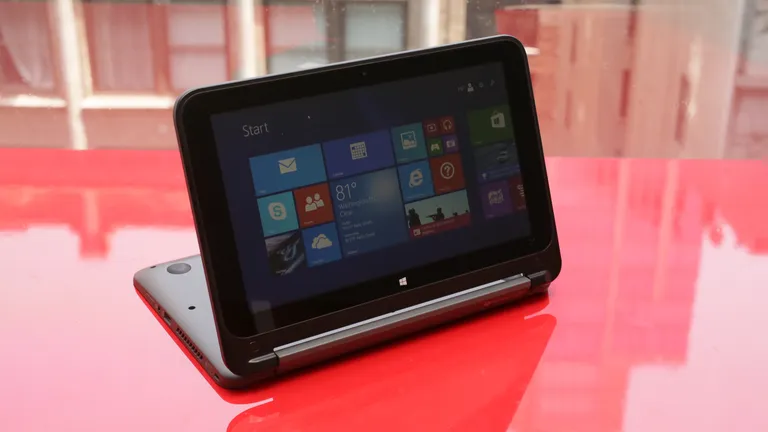
Convertible Chromebook with touchscreen flexibility and compact design for school, travel, and casual media use.
Why it stands out:
- Convertible tablet mode
- Touchscreen support
- Compact portable size
- Good for note-taking and streaming
2-in-1 Chromebooks are increasingly popular for students because they combine laptop functionality with tablet-style flexibility.
Best basic Windows laptop
Asus Laptop E14 14 inch HD Intel Celeron N4000 Processor 4GB Ram
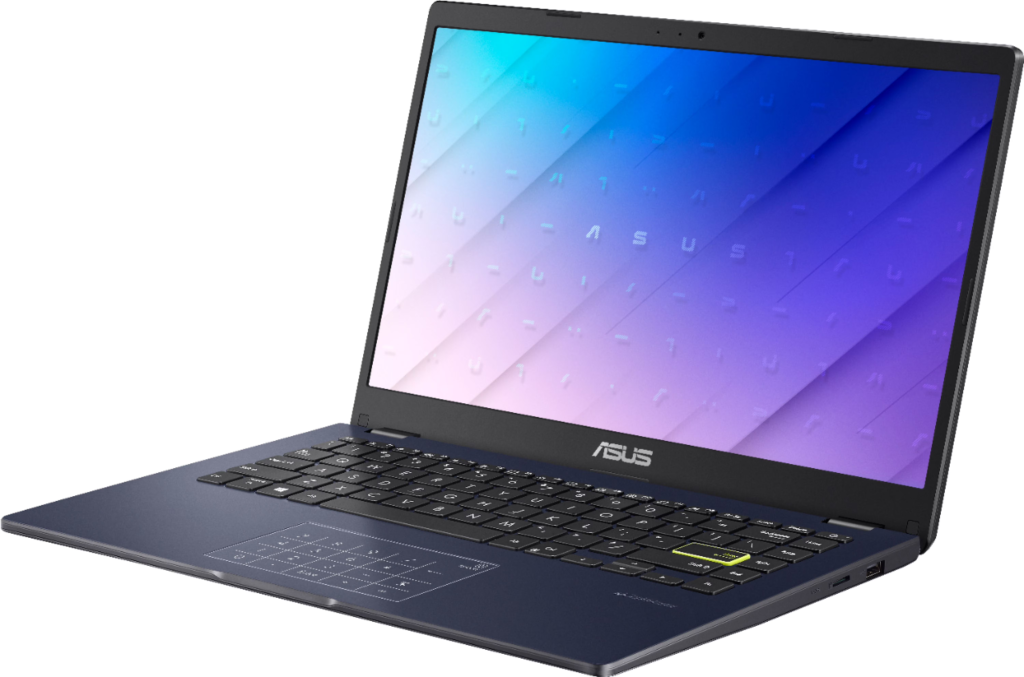
Simple budget Windows laptop for basic office work, browsing, and lightweight productivity tasks.
Why it’s decent:
- Windows compatibility
- Compact size
- Better app compatibility than ChromeOS
- Good for simple office tasks
But there’s an important caveat:
4GB RAM Windows laptops can feel slow with heavy multitasking, so they’re best for lighter use only.
PRODUCT COMPARISON TABLE
The biggest mistake people make in this price range is buying outdated processors with only 4GB RAM and tiny storage. Budget laptops are much better than they used to be, but the sweet spot is still:
- SSD storage
- At least 8GB RAM if possible
- Full HD display
- Modern Intel Core, AMD Ryzen, or Chromebook hardware
Review sites consistently note that Chromebooks offer smoother experiences at lower prices, while Windows laptops are still better if you rely on traditional desktop apps.
If you’re unsure:
- Best overall → Lenovo IdeaPad 1i
- Best Chromebook → Lenovo Chromebook IdeaPad 3i
- Best portability → ASUS 14 Chromebook
- Cheapest useful option → Acer Chromebook 311
- Best student flexibility → HP Chromebook x360
For most people under $500, a Chromebook or a lightweight Lenovo IdeaPad will deliver the best balance of speed, battery life, and long-term usability.