
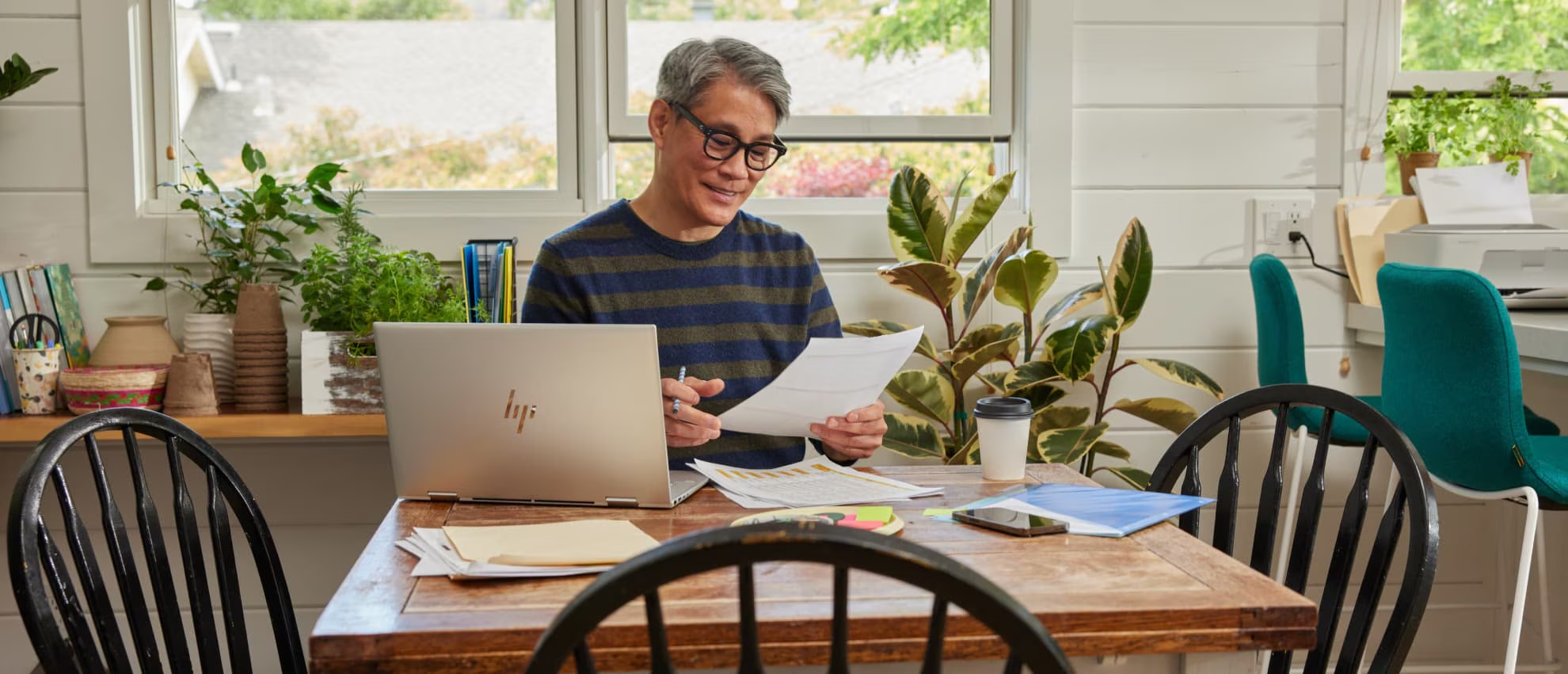
The best laptops for older adults aren’t about raw power—they’re about simplicity, readability, reliability, and comfort. The most important things to look for are large screens, clear keyboards, long battery life, and easy-to-use software. In fact, experts consistently highlight big displays, intuitive interfaces, and minimal setup as the key features seniors benefit from most
Below are the best laptops for older adults, based on ease of use, screen size, and everyday practicality.
🧠 What actually matters for older adults
1. Screen size (most important)

- 15”–17” = easier to read
- Anti-glare = less eye strain
👉 Bigger screens make everyday use much more comfortable
2. Simple operating system

- Windows → familiar
- ChromeOS → easiest (very simple interface)
👉 Simplicity matters more than features
3. Keyboard and visibility

Look for:
- Large, well-spaced keys
- Bright display
- Adjustable text size
👉 You can also add this upgrade:
- Large Print Keyboard for Low Vision (makes typing much easier)
4. Performance (don’t overpay)

For most seniors:
- Video calls
- Browsing
👉 You don’t need a high-end laptop
🎯 Which laptop should you choose
- Want best overall → Lenovo IdeaPad 1
- Need big screen → HP 15.6 touchscreen
- On a budget → HP 14
- Want long-term reliability → Dell Latitude
- Need lightweight → ASUS ZenBook
✅ Final takeaway
The best laptop for older adults should:
- Be easy to use
- Have a clear, large screen
- Be reliable for everyday tasks
👉 If you’re unsure, go with a 15.6-inch simple Windows laptop—it’s the easiest and most comfortable option for most people.