
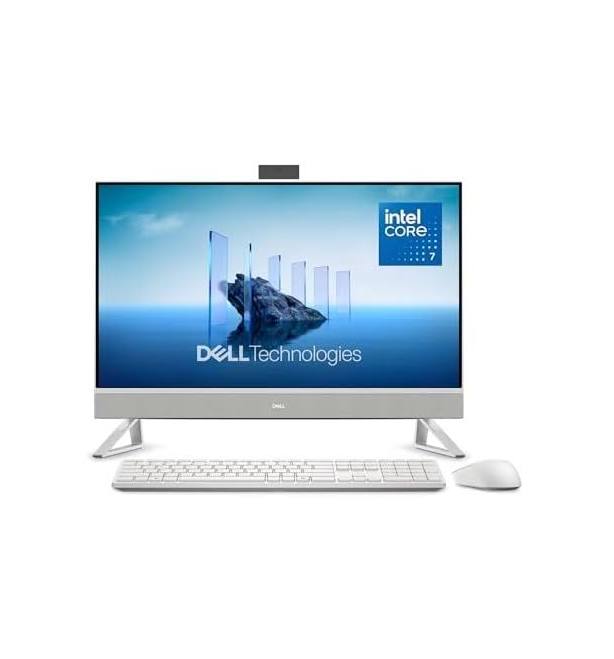
All-in-one (AIO) computers combine the monitor, CPU, speakers, and components into one unit, making them ideal for clean setups and small spaces . The best models balance performance, display quality, design, and value—depending on whether you need it for work, creativity, or everyday use.
Below are the best all-in-one computers right now, based on performance tiers and real-world use cases.
Best overall all-in-one computer
iMac 24‑inch M4 Chip

This is widely considered the best overall AIO thanks to its powerful chip, premium design, and exceptional display quality. It delivers smooth performance for everyday work, creative tasks, and even light professional editing. Reviews consistently highlight its speed, simplicity, and display quality as standout features .
Best Windows all-in-one
ASUS V400 / V470 27‑inch AIO
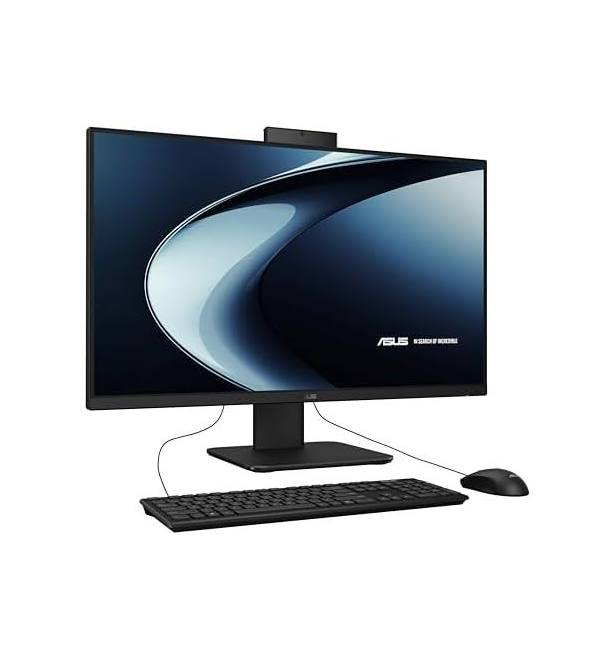
Large 27‑inch display with strong Intel performance for productivity and multitasking.
If you prefer Windows, ASUS offers a strong balance of performance and price. With modern Intel processors and a large display, it’s ideal for office work, multitasking, and general home use.
Best for business and performance
HP EliteOne 870 G9 27‑inch AIO
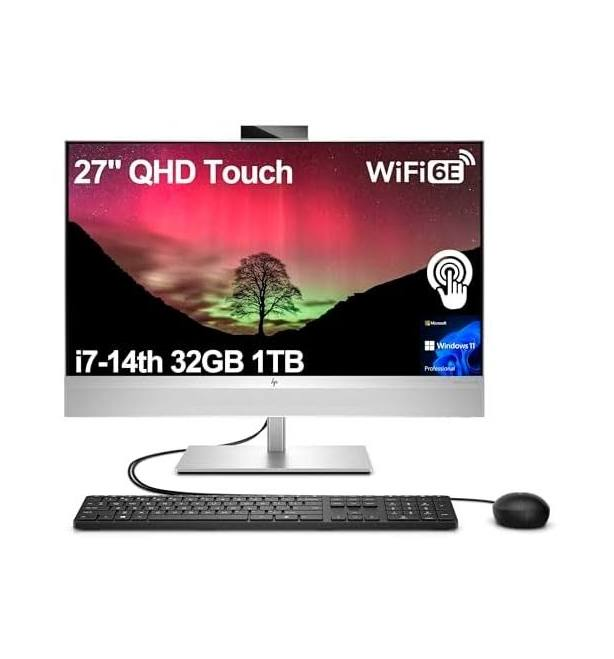
High-end business all‑in‑one with powerful specs and premium build quality.
Designed for professionals, this model offers high-end CPUs, large memory options, and strong reliability. It’s a great fit for demanding workloads, multitasking, and corporate environments.
Best mid-range all-in-one
HP 24‑inch Ryzen 5 All‑in‑One
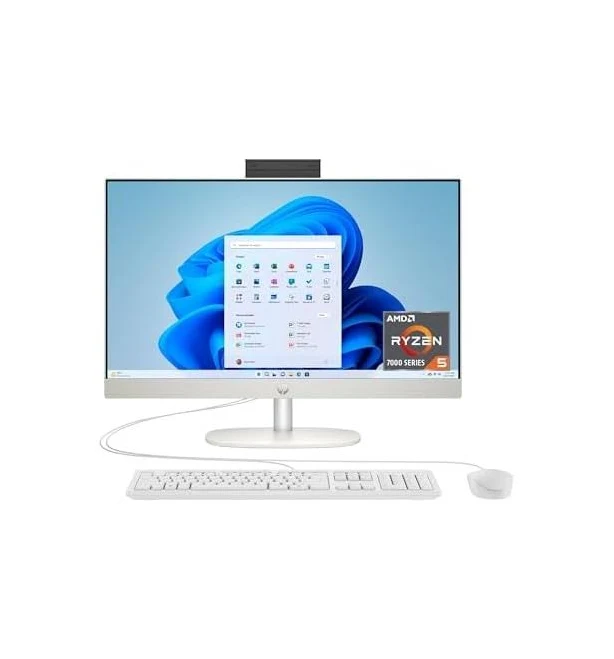
Balanced performance and affordability for everyday home or office tasks.
This is a great choice for users who want solid performance without overspending. It handles web browsing, office apps, and media easily while keeping costs reasonable.
Best budget all-in-one
IPASON A3RS 23.8‑inch AIO
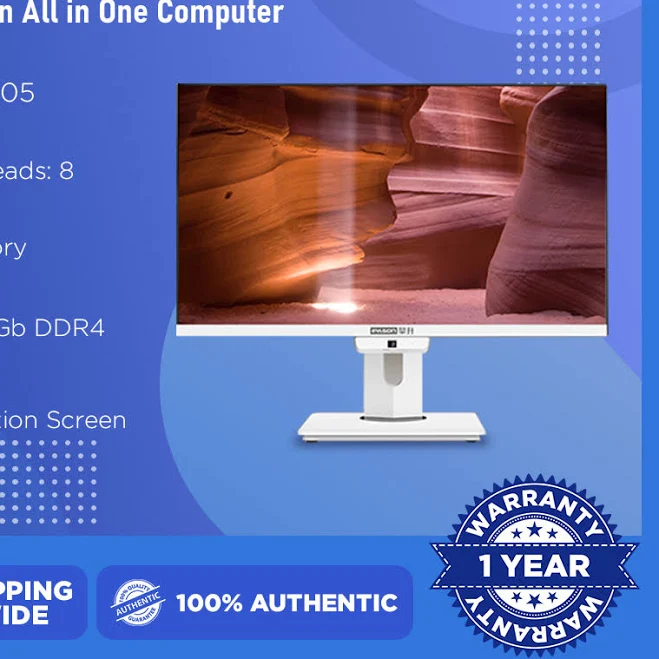
Affordable all‑in‑one suitable for basic tasks and light computing needs.
If your needs are simple—like browsing, streaming, or schoolwork—this type of AIO offers good value at a lower price point.
What to look for in an all-in-one PC
1. Performance (CPU + RAM)
- Basic use → Intel i3 / Ryzen 3, 8GB RAM
- Productivity → i5 / Ryzen 5, 16GB RAM
- Heavy work → i7 / M-series, 16–32GB RAM
2. Display quality
AIOs are all about the screen. Higher resolution = better experience:
- FHD → standard use
- QHD / 4K → better for work and visuals
- Retina (Apple) → top-tier clarity
3. Storage
- SSD is essential for speed
- 256GB → basic
- 512GB+ → recommended
4. Design and space
AIOs are popular because they:
- Reduce cable clutter
- Save desk space
- Are easier to set up
Which one should you choose
- Want the best overall experience → iMac
- Want Windows + strong value → ASUS
- Need power for work → HP EliteOne
- Want balanced price/performance → HP 24
- On a tight budget → IPASON
Final takeaway
The best all-in-one computer depends on your usage:
- Casual users → go budget or mid-range
- Office/work users → choose Windows AIO
- Creatives → go iMac for display + performance
- Professionals → invest in high-end models
AIO PCs are all about simplicity, clean setups, and solid performance—so the right choice is the one that fits your daily workflow.